

PHP Version
Introduction
Veltrix is a fully featured, multi-purpose admin template built with Bootstrap 4, HTML5, CSS3 with PHP. It’s a fully responsive and have a very clean user interface that comes with a huge collection of components, widgets, UI elements. We have maintained the best quality code for all versions so your developer can easily customize it as per your requirements. It is a professional and flexible admin template and can be used to build all kind of projects.
Veltrix is easily customizable and built with developer-friendly codes. It will help your team moving faster and saving development costs and valuable time.
If you’re a developer looking for an admin dashboard that is fully responsive with Bootstrap and PHP then you are at the right place to start your project using Veltrix.
Veltrix contains lots of new design widgets with responsive on all screens. Also, there are 7+ different types of Layouts we have added and also preloader for loading. It is very easy to change any layout in your existing running application. We have written minimum SCSS and codes to increase performance.
If you have any questions that are beyond the scope of this documentation, please feel free to email or contact us via our profile page or sent email on themesbrand@gmail.com
Structure
Extract the zip file you received after purchase and you would find the exact below files and folders:
├── layouts
    ├── horizontal
    └── all vertical layouts files
├── public
    ├── css
    ├── fonts
    ├── images
    ├── js
    └── libs
└── all php files
Prerequisites
Please follow below steps to install and setup all prerequisites:
Layouts
Veltrix has 7 different layouts. You can launch your new website in any layouts quickly. You can change any layout in less then a minute!
Vertical
How to add new menu items/change menu items?
In order to add, change or remove menu items from the left side navigation, simply edit in file layouts/topbar.php.
How to use pre-built layouts?
Each of the layout options is provided below with steps you would need to perform in layouts/master.php:
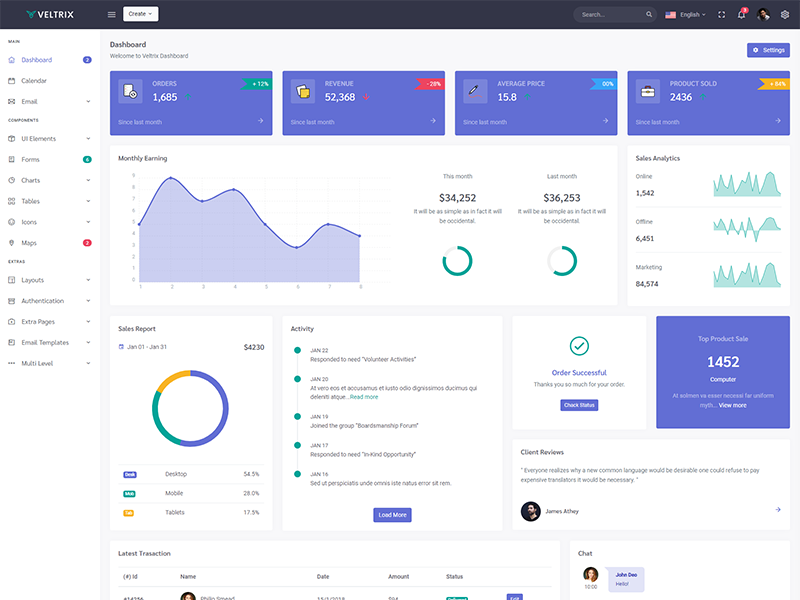
Light Sidebar & Topbar Dark
You need to set$sidebar = null so it will be default layout to light sidebar and dark topbard.
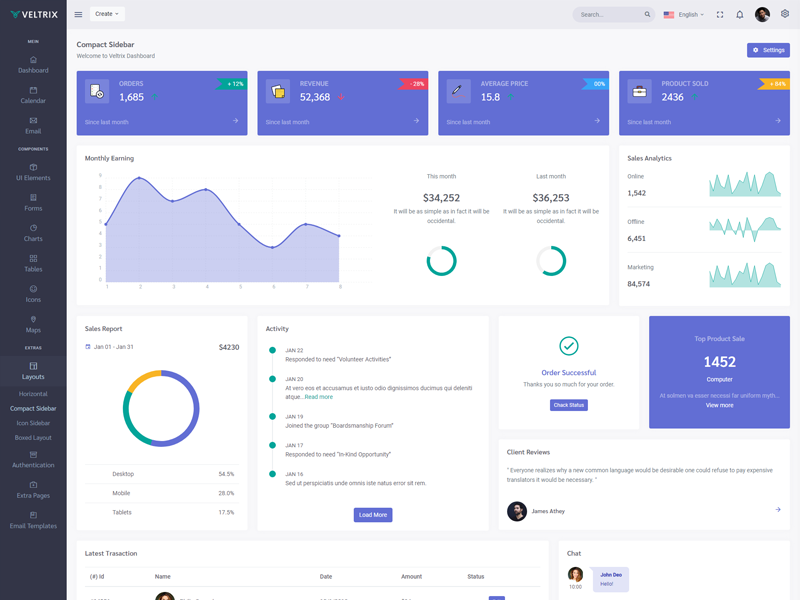
Compact Sidebar
You need to set$sidebar = "compact" only and it will set compact layout in all pages.
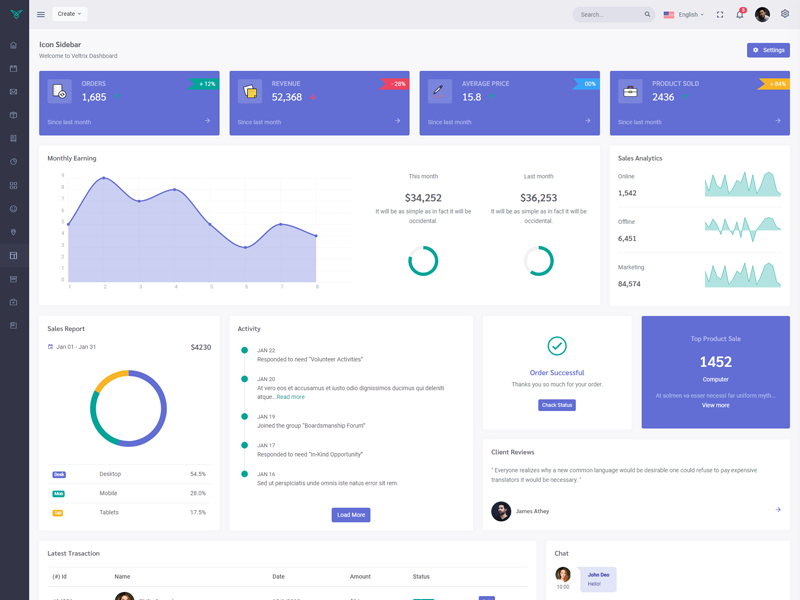
Icon Sidebar
You need to set$sidebar = "icon" only and it will set icon layout in all pages.
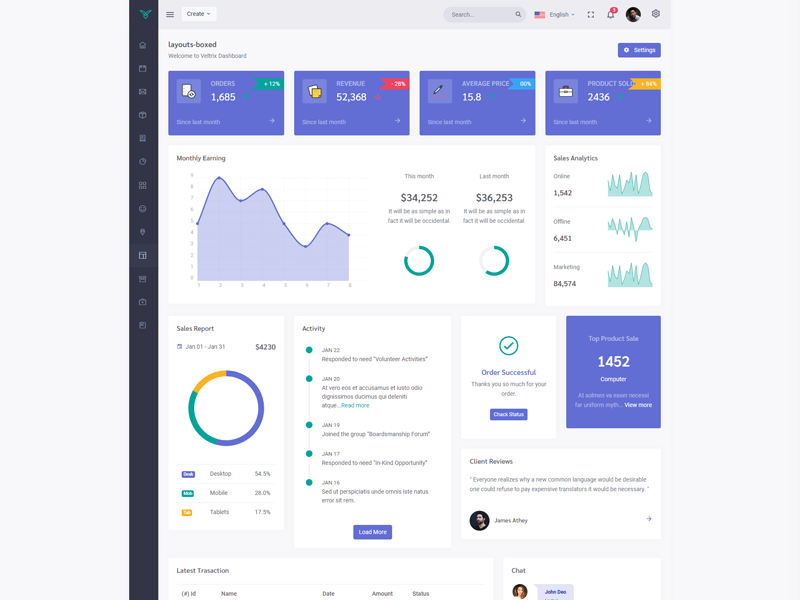
Boxed Layout
You need to set$sidebar = "boxed" only and it will set boxed layout in all pages.
Preloader
In order to add pre-loader in your page, include following html afterbody element.
<div id="preloader">
                                                <div id="status">
                                                    <div class="spinner-chase">
                                                        <div class="chase-dot"></div>
                                                        <div class="chase-dot"></div>
                                                        <div class="chase-dot"></div>
                                                        <div class="chase-dot"></div>
                                                        <div class="chase-dot"></div>
                                                        <div class="chase-dot"></div>
                                                    </div>
                                                </div>
                                            </div>
Horizontal
In order to add, change or remove any ui elements from the top bar, simply edit in file layouts/topbar.php.
How to use pre-built layouts?
Each of the layout options is provided below with steps you would need to perform in layouts/master.php file:
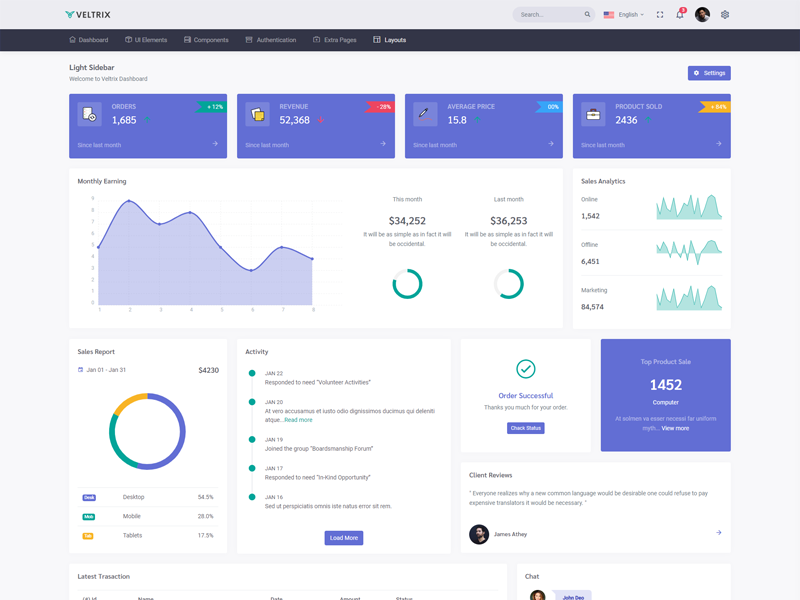
Topbar Light
You need to set$sidebar = null only and it will set light topbar all pages.
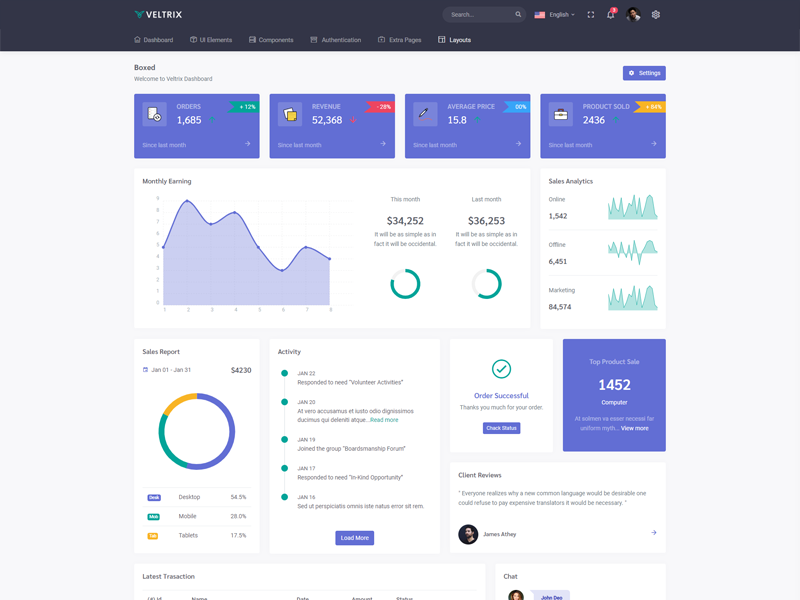
Boxed Layout
You need to set$sidebar = "boxed" only and it will set boxed layout in all pages.
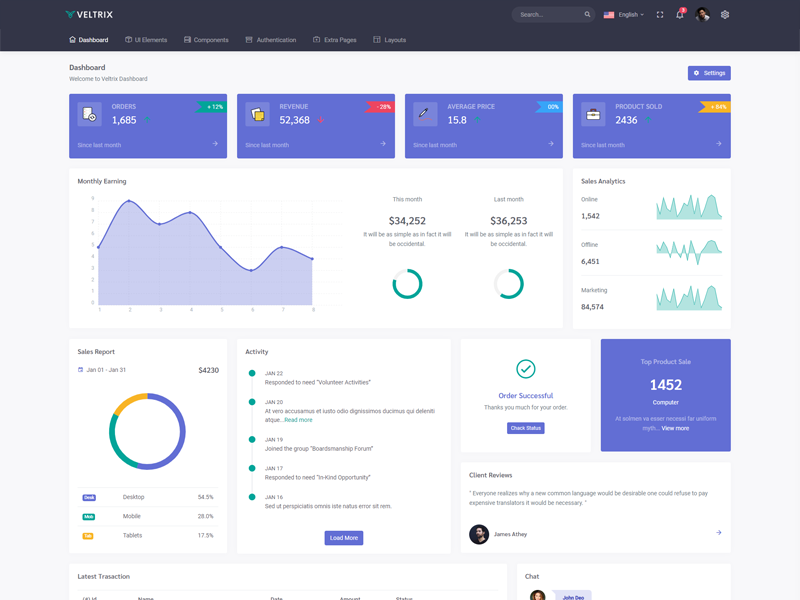
Preloader
In order to add pre-loader in your page, include following html afterbody element.
<div id="preloader">
                                                <div id="status">
                                                    <div class="spinner-chase">
                                                        <div class="chase-dot"></div>
                                                        <div class="chase-dot"></div>
                                                        <div class="chase-dot"></div>
                                                        <div class="chase-dot"></div>
                                                        <div class="chase-dot"></div>
                                                        <div class="chase-dot"></div>
                                                    </div>
                                                </div>
                                            </div>
Dark
In order to have dark mode enabled, replace the reference of bootstrap.min.css stylesheet file to bootstrap-dark.min.css and app.min.css to app-dark.min.css in the layouts/headerStyle.php
RTL
In order to have RTL mode enabled, replace the reference of app.min.css to app-rtl.min.css in the layouts/headerStyle.php
Plugins
Here is the list of Plugins (with a link to the official documentation) which helped us to make admin better.